
Grow your impact with resources from Google and trusted partners
Get the most out of Google for Nonprofits with courses, webinars, templates, and hands-on guidance for how to increase your organization’s impact.

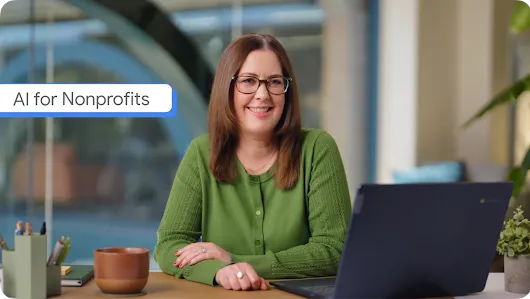
Link to Youtube Video (visible only when JS is disabled)
Learn how to deploy AI at your organization with the AI for Nonprofits course series
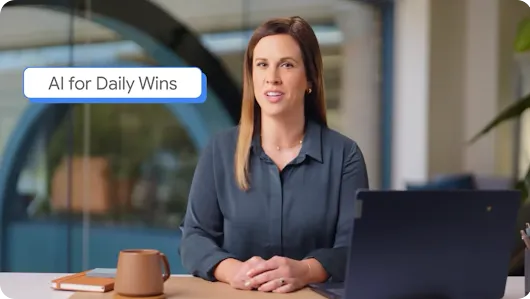
Link to Youtube Video (visible only when JS is disabled)
Course 1: Daily Wins with AI for Nonprofits
Learn how to reclaim time for your mission by using generative AI in your daily workflows.
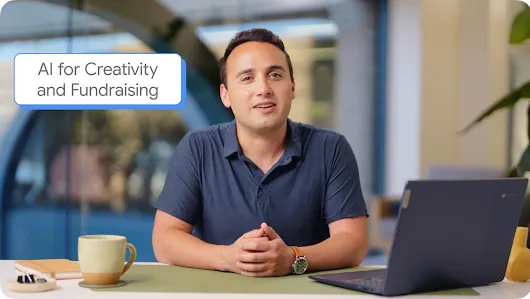
Link to Youtube Video (visible only when JS is disabled)
Course 2: Optimize Creativity and Fundraising with AI for Nonprofits
Learn how Gemini can assist with marketing assets and how Gemini Notebook can ground your work in your organization’s data.
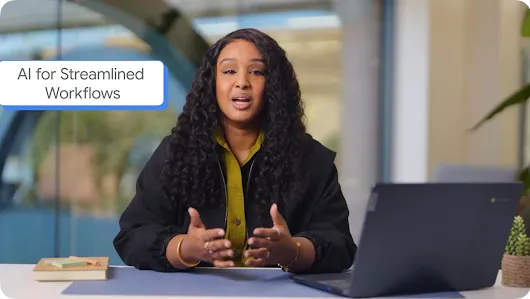
Link to Youtube Video (visible only when JS is disabled)
Course 3: Build Smarter Workflows with AI for Nonprofits
Learn how to use AI to automate complex administrative tasks, transform unstructured data, and develop responsible AI strategies.

Personalized Google Workspace with Gemini training
Get quick access to helpful nonprofit toolkits, support resources, and more
-
Responsible AI for nonprofits
Learn strategies and principles for responsible AI use.
-
Getting started with Google for Nonprofits
See how to access a suite of no-cost or deeply discounted Google products to help support your nonprofit.
-
Help Center
Get answers to technical questions about the Google for Nonprofits program from the Help Center.
-
Draft donor thank-you notes
Use Gemini's capabilities to draft personalized thank-you notes for your nonprofit's donors.
-
Outline a fundraising plan
Use AI to create a custom fundraising plan for your organization.
-
Tell your organization’s story
Use Gemini to generate your nonprofit’s story for different social media channels, audiences, or tones.
Explore Google Workspace for Nonprofits with Gemini

Link to Youtube Video (visible only when JS is disabled)
Explore nonprofit resources from trusted partners
-
Infoxchange's Digital Transformation Hub
The Digital Transformation Hub is a collection of low- or no-cost resources designed to educate and facilitate the digital transformation of not-for-profits in Australia.
-
TechSoup's Hive Mind AI Resource Library
The AI Resource Library is a multilingual, open-access collection of AI learning materials designed specifically for the needs of civil society actors, including nonprofit organizations and activists.
-
Fast Forward’s Nonprofit AI Policy Builder
A free, easy-to-use tool designed to help nonprofits generate their own AI usage policy. In a few steps, you’ll craft a custom AI policy that protects sensitive data, aligns with your mission, and ensures AI is working for good.
Get professional support from our agency partners
-
Ad Grants Certified Professional Agencies
Our certified professionals are dedicated to nonprofits and have in-depth knowledge of Ad Grants requirements, features, and tools to manage your ads and maximize your results.
-
Google Cloud Partners for Google Workspace
Filter through our certified partners who have in-depth expertise in AI, cloud migration, security setups, and collaboration tools to streamline your daily operations.
-
Google Maps Platform Partners
Filter through our specialized partners with deep technical expertise in mapping APIs and location intelligence to visualize your global footprint and optimize your real-world field operations.
-
Youtube Services Directory
Partner with vetted specialists who understand the YouTube ecosystem inside and out, offering the dedicated support you need to scale your organization.
Common questions and answers about Google for Nonprofits
Can’t find what you’re looking for?
Think of Google for Nonprofits as your "main hub" – it is the umbrella account used to verify your organization’s eligibility for the program and activate various products. Getting a Google for Nonprofits account does not mean you’re automatically approved for all product offers. However, once a product is activated, you will typically log directly into that specific product (such as the Google Admin console for Google Workspace or the Google Ads portal for Google Ad Grants) to manage your users and day-to-day settings. Notably, the administrative email addresses for your main hub and your individual products can be different.
Learn more about Google products for nonprofits in our Help Center.
Changes happen within organizations and we understand that. If you need access to a Google for Nonprofits account managed by someone else, you can submit a request through the "Get started" flow on the Google for Nonprofits website. The current administrators have 14 days to respond; if they do not, a Google representative will review your request. Learn more about Google for Nonprofits account access.
Google Ad Grants accounts are typically deactivated for policy violations, such as adding a domain you have not been approved for. To get reactivated, you must audit your account to ensure it meets all current requirements—including having at least two active ad groups per search campaign and specific location targeting—and then submit a reactivation request. Learn more about Ad Grants policy violations and how to fix them.